
Mini Homelab Part 3: Improved networking and rack
Disclaimer: No AI was used in the writing of this post, all thoughts expressed, including mistakes and hallucinations, are my own. Also, the amazon links are affiliate links so if you buy though them I get a small commision without any change in the original price of the product.
It’s hard to stop when you start building on a homelab. There are always things to add. I’ve already seen the full pipeline from lurking on reddit. People who start by having a single little mini-pc on the desk, whirring away in the corner, to building a small-scale data center in the middle of their garage. Personally I’m not there yet, but we will see what the future holds.
My latest addition is a managed unifi switch: a UbiQuiti USW-LITE-8-POE
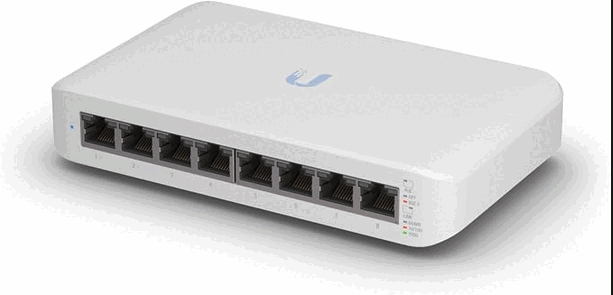
It’s nice to have a managed switch because it allows me to connect all the computers in the rack with a wired connection to the internet, for maximum speed, and it also allows for more sophisticated segregation and monitoring.
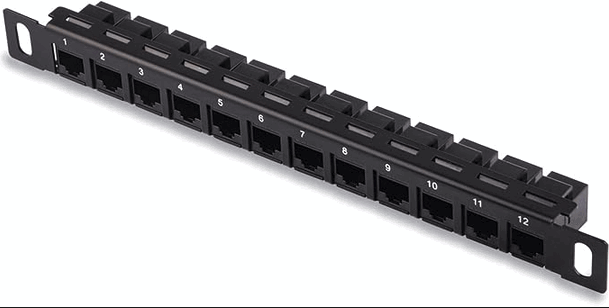
I also added a GeeekPi 12-Port Patch Panel since the switch faces forward but some of the ports on the computers, and the incoming ethernet cable are at the back.
Finally I chose to order another 10-inch rack, a DeskPi RackMate T1 this time, which I decided to stack on top of the old one, cobbled together for now but with proper screws on the way.
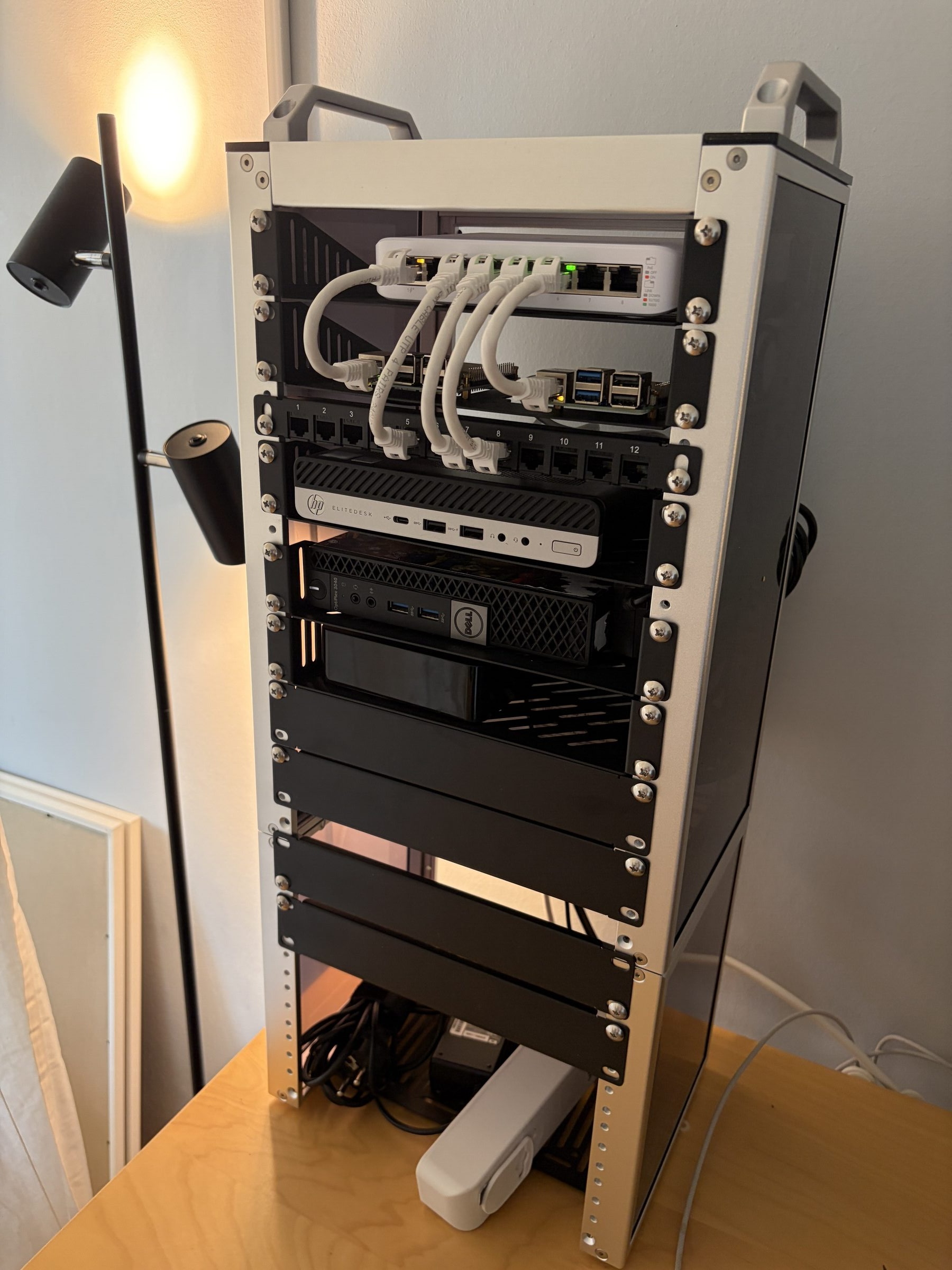
The main purpose the whole stack serves is still a personal Nextcloud instance, served through a private tunnel, but I have also started using Kavita more and more for reading on my iPad. I still haven’t gotten around to installing tailscale on my Kobo but that will be a future post. Right now I am reading “Laziness does not exist” by Devon Price, and I am enjoying it very much. I will also make a post with my thoughts on the book after I finish it.
Even if this blog is just me writing for a bunch of info-hungry bots, then so be it, I still consume human blogs so apparently I think there is value in it. So why shouldn’t I also contribute my lived experience and thoughs?